


Why animation in interfaces is not decoration, but a tool
Animations in interfaces have long ceased to be a decorative element. In modern digital products, they serve a practical function: helping the user navigate the interface, understand the logic of interactions, and achieve their goals faster.
In 2026, animation becomes an integral part of UX design. Users expect the interface to be not only understandable but also "alive" — responsive to actions, providing visual feedback, and suggesting the next step.
Well-designed animations enhance the perceived quality of the product, reduce cognitive load, and directly impact key metrics: conversion, retention, and engagement.
What tasks does animation solve in the interface
Animation in UI works on multiple levels simultaneously. It does not just «move elements», but performs specific UX tasks.
Key functions of animation:
- visual hierarchy of elements;
- explanation of transitions between states;
- confirmation of user actions;
- softening of interface changes;
- reducing the feeling of delays and waiting.
When the interface responds to user actions through micro-movements, the interface becomes predictable and intuitive. The user does not think about what happened — they see it.
Types of animations in interfaces
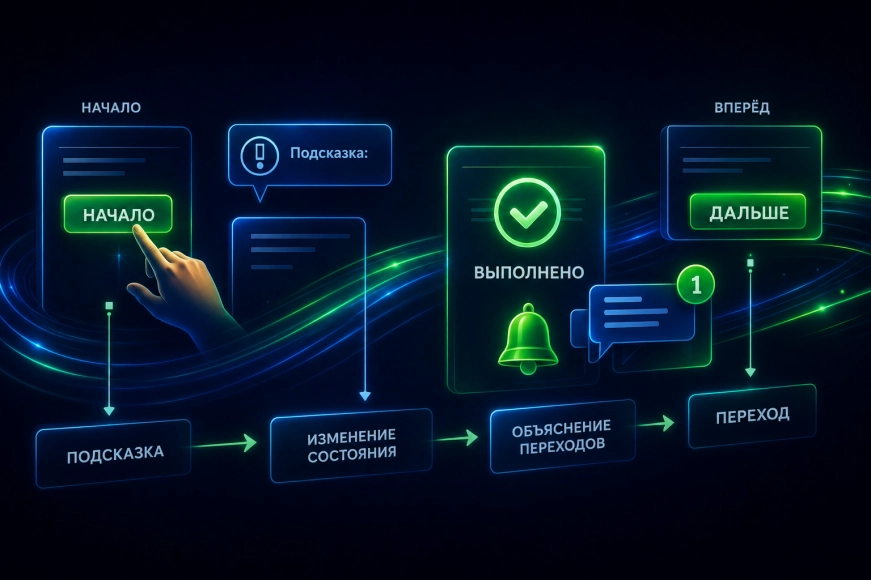
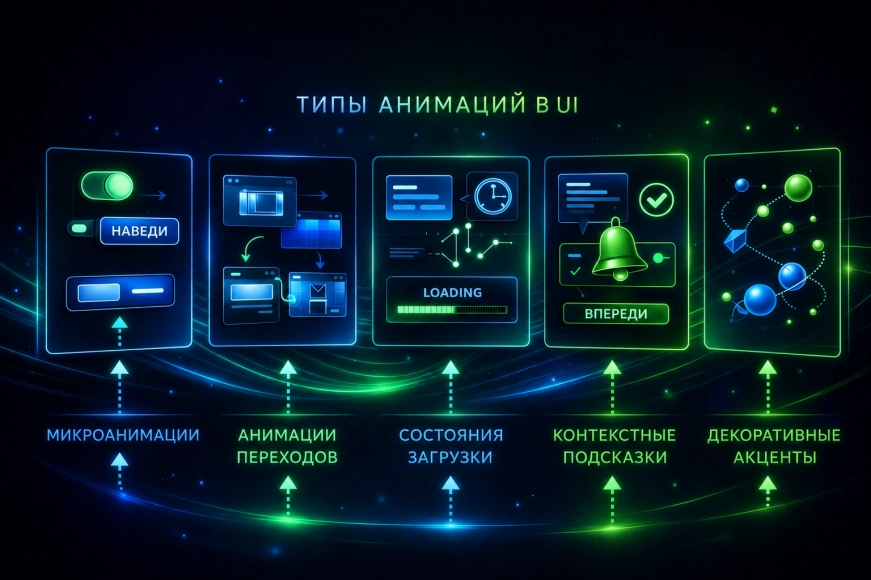
In UX/UI practice, several main types of animations can be distinguished, each of which serves its own purpose.
Main categories:
- Microanimations — buttons, switches, hover states.
- Transition animations — screen changes, modal windows, tabs.
- Loading states — skeleton screens, progress indicators.
- Contextual hints — appearance of elements, onboarding.
- Decorative accents — are used sparingly.
When animation enhances UX and when it hinders it
One of the key mistakes is to add animation «just because you can». In this case, it starts to distract, slow down interaction, and irritate the user.
Animation enhances UX if:
- it emphasizes cause-and-effect relationships;
- it does not slow down scenarios;
- it meets user expectations;
- agreed with the design system.
Animation is distracting if:
- excessive;
- too slow;
- used without logic;
- conflicts with accessibility.
|
Approach to Animation |
Impact on UX |
Result |
|
Conscious, systematic |
Clear interface |
Conversion growth |
|
Minimal |
Neutral experience |
Stable metrics |
|
Excessive |
Overload |
User loss |
|
Lack of animations |
"Dry" interface |
Decreased engagement |
Animation as part of the design system
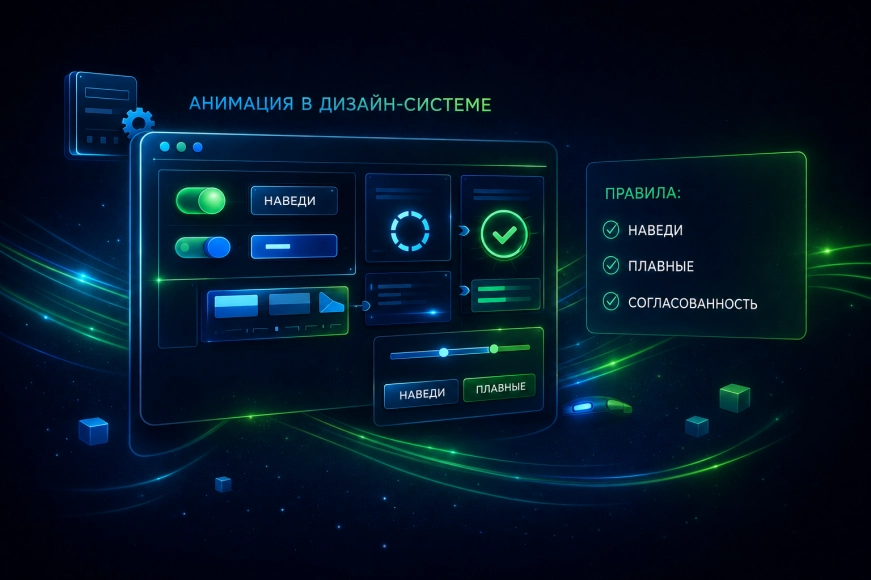
In 2026, animations are increasingly becoming part of the design system rather than a separate design solution. This helps ensure interface consistency and simplifies product scaling.
The design system typically documents:
- types of animations;
- duration;
- easing curves;
- use cases;
- acceptable constraints.
This approach simplifies the work of designers and developers and reduces the risk of chaotic decisions.
Technical aspects: what is important to consider
Creating animations is not only about design but also about technical implementation. It is important to consider performance, platform constraints, and accessibility.
Key technical principles:
- using transform and opacity;
- minimizing reflow;
- controlling FPS;
- respecting prefers-reduced-motion;
- testing on real devices.
Our team in projects always evaluates animations not only visually but also in terms of load on the interface and the user.
Animation and Business Results
Animations directly affect the perception of the product. Users are more likely to trust an interface that looks lively, logical, and neat.
Practice shows that proper implementation of animations:
- increases engagement;
- increases interaction depth;
- reduces bounce rate;
- improves subjective product evaluation.
|
Metric |
Without animations |
With animations |
|
Engagement |
Low |
Above average |
|
Understanding scenarios |
Partial |
Intuitive |
|
Time for the task |
Longer |
Faster |
|
UX Rating |
Average |
High |
Common mistakes when creating animations
Even in mature products, mistakes are often found:
- animations without a script;
- different speeds in similar elements;
- conflict with accessibility;
- overloaded transitions;
- lack of documentation.
The RUSO team pays attention not only to creating animations in their projects but also to their subsequent support.
Conclusions
Animations in interfaces are not a trend or decoration. They are a full-fledged UX design tool that affects user behavior and business outcomes of the product.
In 2026, products that have animations:
- are integrated into the logic of the interface;
- support scenarios;
- aligned with the design system;
- consider technical and user limitations.