


Why mobile application testing is not the final stage, but part of the product
Mobile application testing is still often perceived as the "pre-release" stage: to check that nothing is broken, and it can be released to the stores. In 2026, this approach no longer works.
Mobile applications live in conditions:
- dozens of device models;
- different versions of iOS and Android;
- unstable networks;
- constant updates;
- high competition for user attention.

Therefore, testing — is a not a quality control at the end, but a continuous process embedded in development and product logic.
In this article, we will discuss:
- which types of testing are critical for mobile applications;
- where errors most often occur;
- how to structure testing so that it actually reduces risks rather than hinders development.

The specifics of testing mobile applications
Mobile applications are more difficult to test than web projects. The reason — is a combination of factors that cannot be fully controlled.
Key features:
- variety of devices and screens;
- differences in OS behavior;
- limited device resources;
- background operation;
- offline scenarios;
- unstable connection.
Even perfectly functioning code can behave differently under real usage conditions.
Main types of mobile application testing
1. Functional testing
Basic level that checks:
- correctness of scenarios;
- functionality of main features;
- error handling;
- compliance with requirements.
Functional testing answers the question: does the application do what it is supposed to do.
2. UX testing
Even a technically correct application can be inconvenient.
UX testing helps identify:
- unclear scenarios;
- unnecessary steps;
- non-obvious controls;
- interface perception errors.
In mobile applications, UX errors are particularly critical — the user simply closes the app and does not return.
Testing on real devices
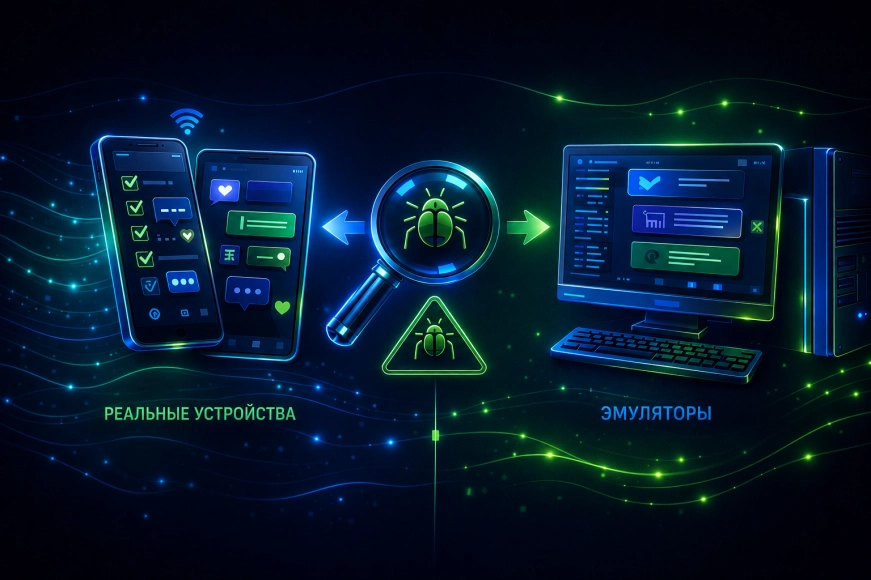
Emulators and simulators are important, but they do not replace real devices.
In practice, we always check:
- different screen sizes;
- old and new devices;
- low-end devices;
- real network conditions.
This is especially important for:
- performance;
- animations;
- working with the camera and sensors;
- push notifications.
Performance Testing
Performance is one of the most sensitive factors in mobile applications.
It is important to check:
- launch speed;
- interface smoothness;
- memory consumption;
- battery load;
- behavior during prolonged use.
The user may forgive limited functionality, but will not forgive lags and crashes.
Table 1. Critical performance indicators
|
Indicator |
Why it matters |
|
Launch Time |
First Impression |
|
FPS |
Interface Smoothness |
|
Memory |
Stability |
|
Battery |
User Trust |
|
Background Work |
Real Scenarios |
Testing Network Scenarios
Mobile applications rarely operate under ideal conditions.
We definitely check:
- weak internet;
- connection drops;
- switching between Wi-Fi and mobile network;
- offline modes;
- resending requests.
The application must behave predictably, even if the network is unstable.
Automated Testing
Automated tests do not replace manual testing but significantly increase the product's stability.
They are especially useful for:
- regression checks;
- critical scenarios;
- frequent releases;
- CI/CD processes.
Important: automation is effective only when:
- stable scenarios are being tested;
- tests are supported;
- there is a clear strategy, not "cover everything".
Testing updates and releases
Each update of the mobile application is a risk.
We always check:
- the correctness of the update over the old version;
- data integrity;
- compatibility with previous versions;
- the operation of new features in conjunction with the old ones.
An error during the update stage can lead to a surge of negative reviews in the stores.
Common mistakes in mobile application testing
- Testing only before release
- Ignoring real devices
- Focusing only on functionality
- Lack of load testing
- Underestimating UX errors
These mistakes are rarely visible immediately, but almost always manifest after the application goes into production.
How we approach mobile application testing
Our approach is based on the principle: testing is part of the product, not a separate stage.
We:
- involve testing at early stages;
- check real scenarios;
- combine manual and automated checks;
- work with error analytics;
- continuously improve the process.
The RUSO team views testing as a tool for reducing business risks, rather than a formal check.
Conclusions
Mobile application testing in 2026 is:
- a continuous process;
- working with real conditions;
- a balance of automation and manual checks;
- a focus on UX and stability.
Mobile products that win are those that:
- embed testing into the architecture;
- check not only the code but also the experience;
- think about the user in real scenarios.